
Help centre/Set up/Getting started
When to use groups or tags
Groups decide which policies a customer gets. Tags carve out exceptions inside a group.
Updated 7 October 2026
Groups and contact tags both let you treat some customers differently. They do different jobs, and picking the wrong one is the most common reason a setup ends up with more policies than it needs.
The short version
- A customer is in exactly one group. The group decides which policies apply to them at all.
- A customer can have any number of tags. A policy can be told to skip, or only apply to, customers with a given tag.
Groups are the whole set of rules. Tags are exceptions within those rules.
Use a group when the whole schedule is different
Make a new group when a set of customers needs a different set of policies from everyone else, not just one policy more or less. Examples:
- Key accounts that get a softer reminder sequence and never get late fees.
- A second brand or trading name with its own email templates and sender profile.
- Customers on monthly statements rather than per-invoice reminders.
Each group carries its own policies, so you can look at one group page and see everything that will happen to its customers. The cost is that policies are per group. If you want the same reminder in three groups, you maintain it three times.
Use a tag when one policy should make an exception
Use a contact tag when most of the group’s policies should still apply and only one or two should behave differently. Examples:
- A no-late-fees tag on a few customers, with the late fee policy set to exclude that tag.
- A sms tag on customers who have agreed to texts, with the SMS policy set to include only that tag.
- A disputed or on-hold tag that a reminder policy excludes while someone sorts things out.
On each policy, under More Options & Filters, choose Exclude contacts with tags or Include only contacts with tags and pick the tags. One matching tag is enough. Every other policy in the group carries on as normal.
Things tags cannot do
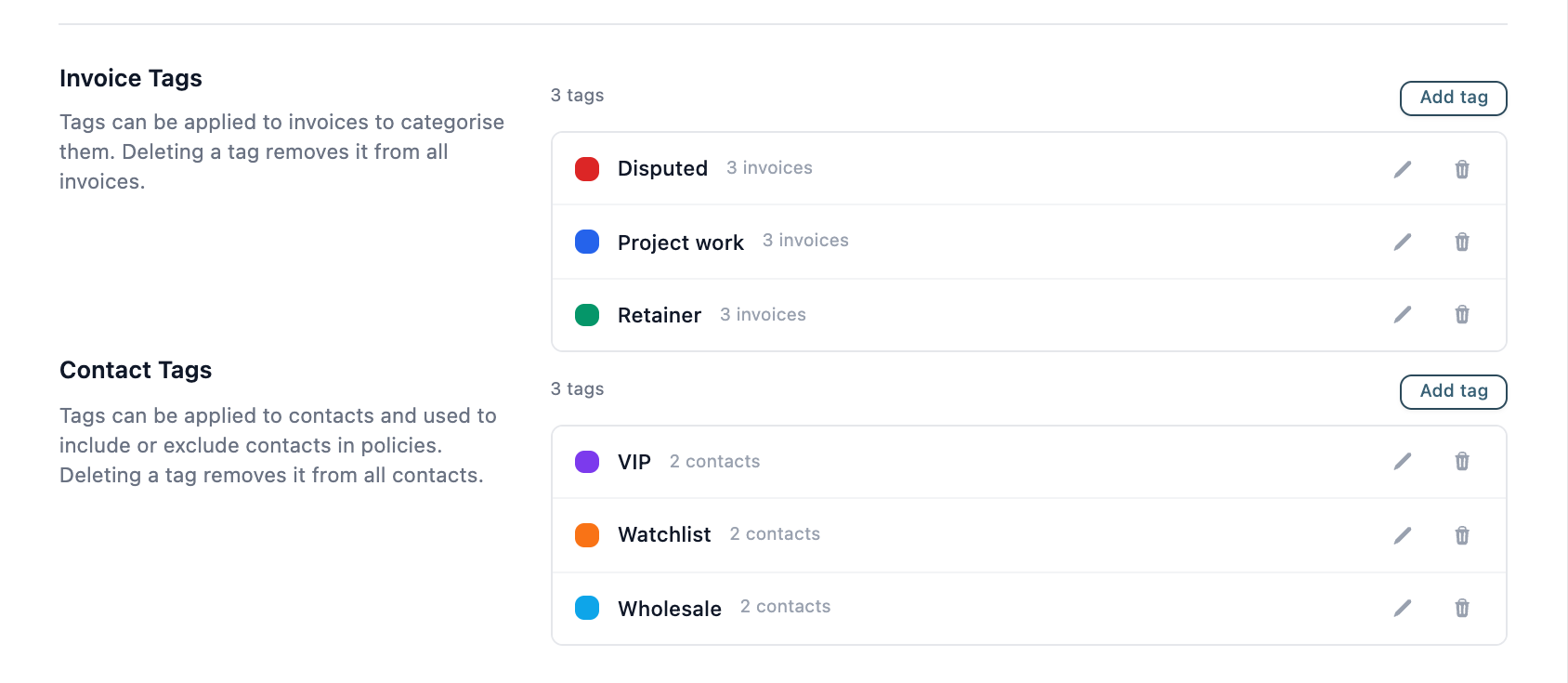
- Invoice tags are for organising and filtering invoices only. No policy can filter on them. To stop chasing one invoice, freeze it or open a query.
- Tags on contact people are for display and filtering. Policies look at the contact’s tags, not the person’s.
- A tag does not change which group a customer is in, so it never adds a policy from another group.
Managing them
- Groups: listed in the sidebar. Move customers from the Contacts page with Move contacts to group, or from the group dropdown on a contact’s page.
- Tags: create them under Settings, General, in the Contact Tags section (the Invoice Tags section above it is for invoices). Apply them from the Contacts page with Apply tags, or on a contact’s page. A tag’s name cannot be changed after it is created, only its colour.
To stop chasing one customer entirely rather than changing which policies they get, freeze the contact.
Not sure? Start with one group and a tag or two. Add a group when you find yourself wanting to exclude the same customers from most of the policies.